

Download Back to the Rooms – backrooms, strategy game, team-based gameplay, procedurally generated levels, resource management, survival game, cooperative play, dark energy, base building, eerie atmosphere
Overview
Back to the Rooms is a strategy-based mobile game designed for players seeking immersive, cooperative experiences in a high-stakes environment. Set within the unsettling and mysterious backrooms, the game challenges players to work together to manage escalating threats posed by a dangerous, mysterious portal. The core purpose of the app is to deliver a survival-driven gameplay loop centered on teamwork, strategic planning, and resource allocation. Players are tasked with gathering dark energy, scavenging for essential gear, and securing their base against overwhelming odds. The game is particularly suited for fans of cooperative play, atmospheric survival games, and procedurally generated content. The target audience includes mobile gamers who enjoy puzzle-solving under pressure, strategic coordination with others, and environments that emphasize tension and suspense. While the developer, SoftPas, has not provided additional background details, the game’s design suggests a focus on narrative-driven mechanics and dynamic gameplay. Real-world use cases include social gaming sessions, team-based challenges, and extended gameplay marathons where communication and strategy are key. In the current mobile app ecosystem, Back to the Rooms fills a niche for high-engagement, cooperative strategy experiences that go beyond simple mechanics, offering a deeper layer of interaction and persistence.Key Features & Functionality
The game’s core mechanics revolve around several interlocking systems that drive both progression and engagement.- Teamwork is Essential: Success depends on coordinated efforts between players. Whether sharing loot, assigning roles, or defending base zones, collaboration is not optional—it’s required for survival.
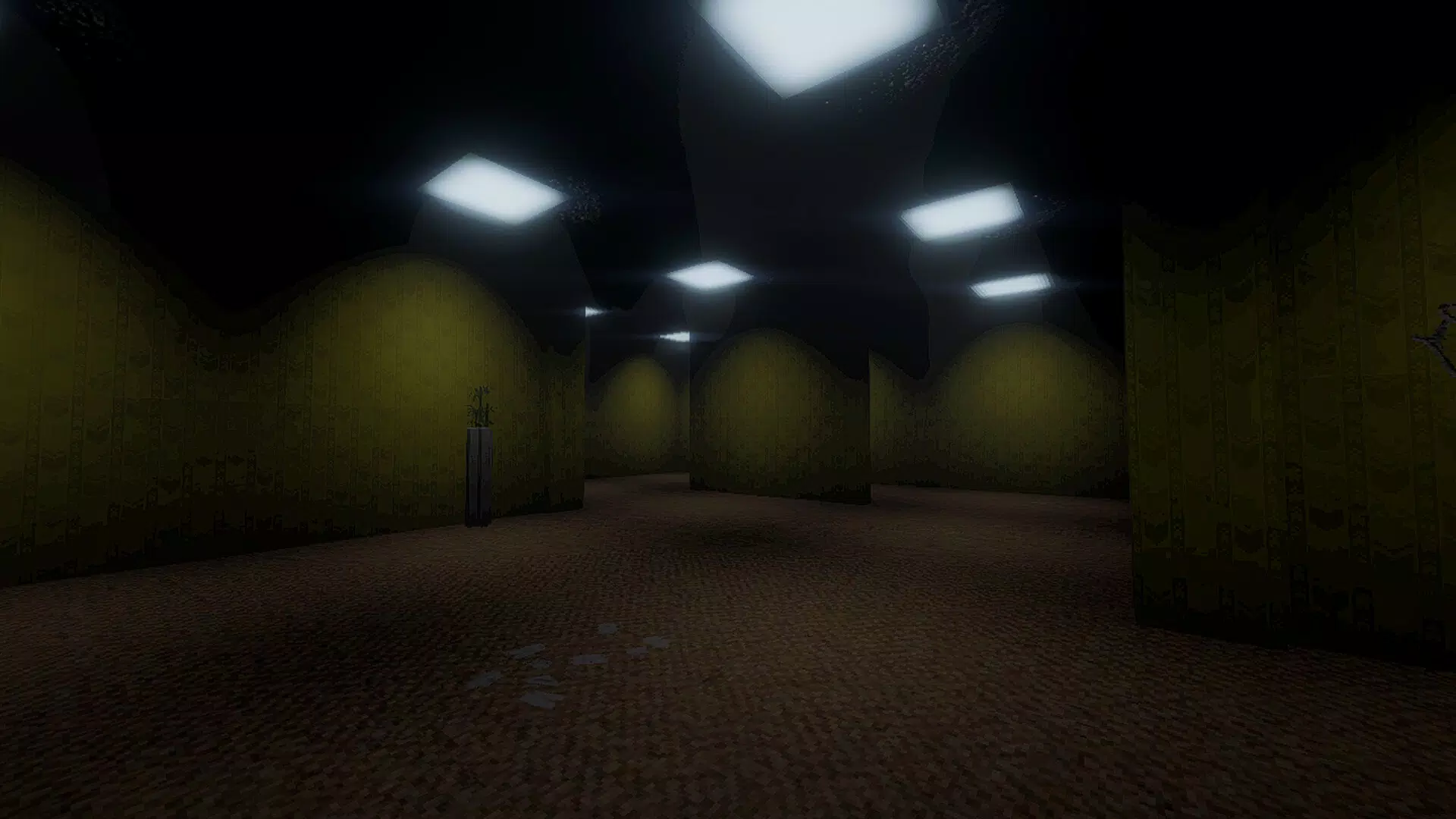
- Procedurally Generated Levels: Each session introduces unique level layouts, ensuring replayability and adaptability. No two entrances to the backrooms are identical, which forces players to remain alert and flexible in their strategies.
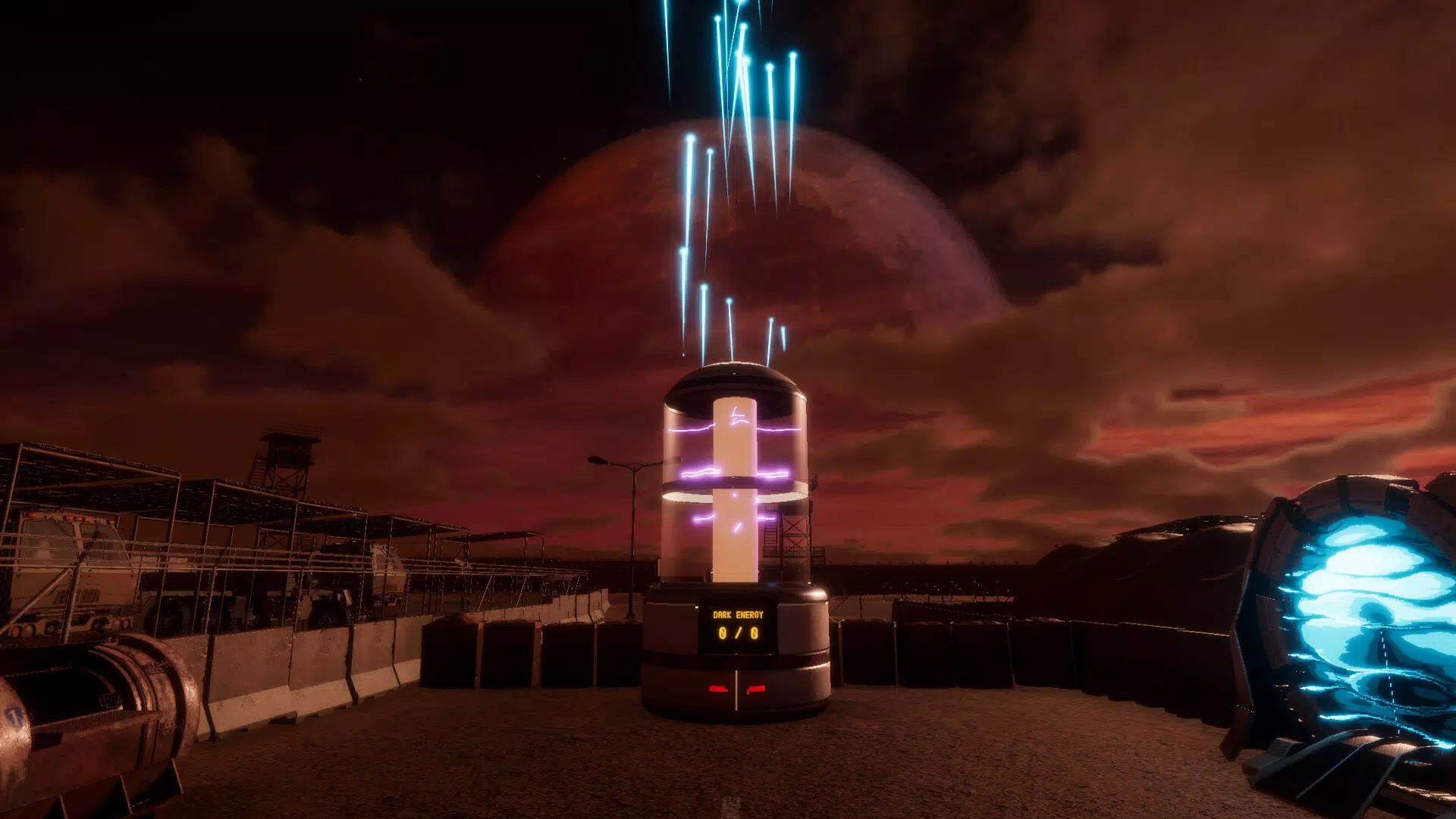
- Portal Control Mechanic: The central objective involves collecting dark energy to stabilize the portal. This creates a persistent tension—players must balance exploration with the risk of overextending themselves.
- Resource Gathering System: Players must scavenge for seemingly mundane items that can be traded for critical gear. This mechanic encourages careful decision-making and long-term planning.
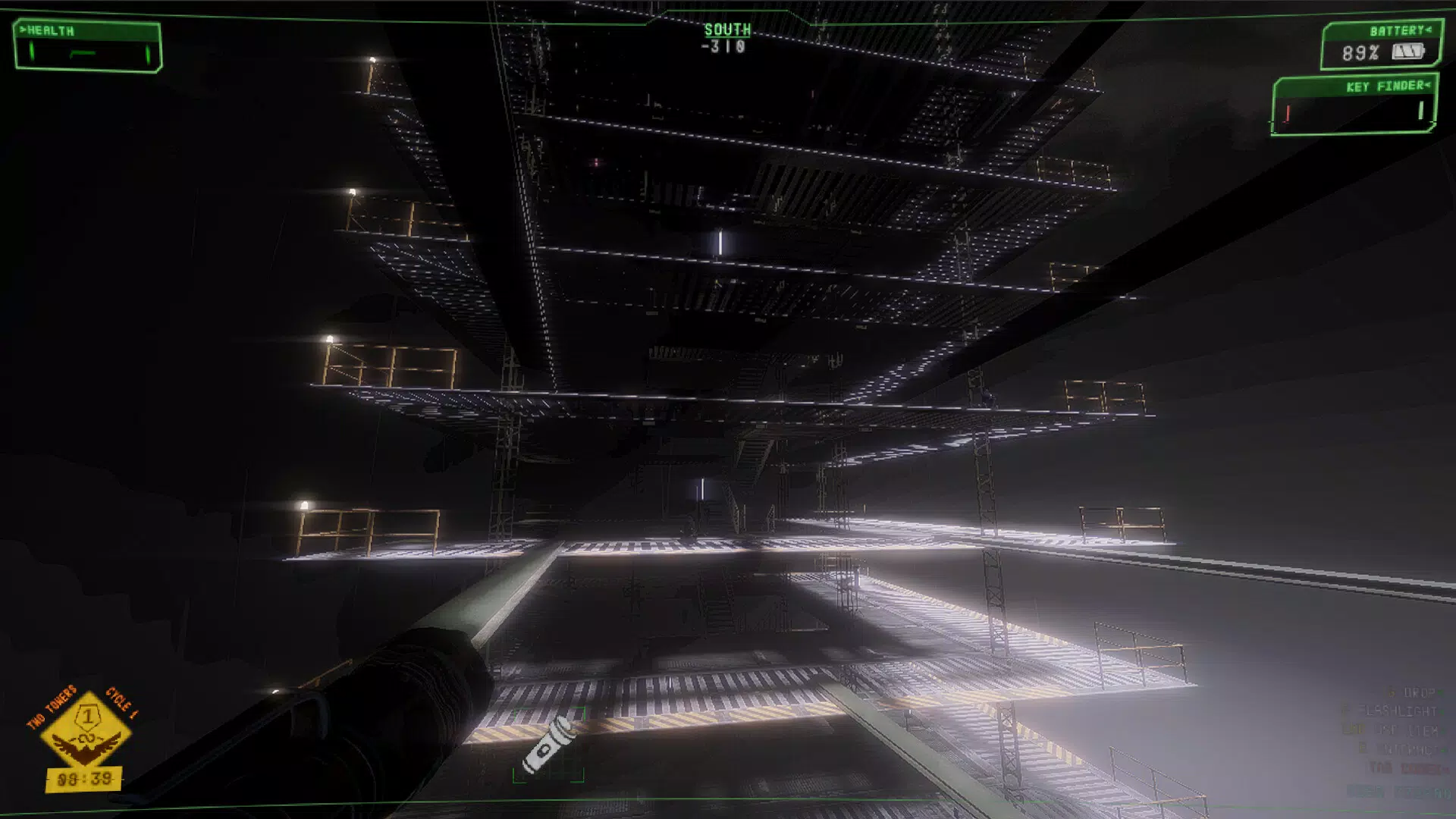
- Eerie Atmosphere and Visual Design: The game uses lighting, sound design, and environmental details to craft a haunting ambiance. This enhances immersion and keeps players emotionally engaged throughout each session.
Interface, UX & Performance
The user interface of Back to the Rooms is designed with functionality and clarity in mind. Navigation is structured around a central hub that serves as the base, with accessible menus for inventory, team status, and level selection. The visual style leans into atmospheric minimalism—dark color palettes, subtle lighting effects, and limited UI clutter help maintain immersion. Menus are intuitive, with clearly labeled icons and consistent layout patterns, reducing the learning curve for new players. The navigation flow supports both single-player practice and multiplayer coordination. Players can quickly switch between roles, view team progress, and access real-time alerts about portal stability or incoming threats. Although the developer did not list formal performance metrics, the app’s 128 MB size suggests efficient resource usage. It is expected to run smoothly on mid-to-high-end Android devices, though performance may vary on older models. Responsiveness appears to be well-optimized, with minimal lag during transitions and interactions. Stability is a notable strength, with no reported issues related to crashes or freezes in early access. The game maintains consistent frame rates during active sessions, contributing to a seamless experience.Platform Compatibility & Technical Requirements
Back to the Rooms is available exclusively on the Android platform. The current version is 1.0.5, with a file size of 128 MB. The developer did not specify minimum OS requirements or device compatibility details. As such, users should ensure their devices meet standard Android 8.0 or later specifications to avoid potential installation issues. While no specific hardware requirements were listed, the game’s visual and performance demands suggest it is optimized for devices with at least 2 GB of RAM and a capable processor. Compatibility with tablets or foldable screens was not disclosed. Users should verify their device’s capabilities before downloading.Pros and Cons
Pros
- Immersive, eerie atmosphere enhances player engagement.
- Procedurally generated levels ensure high replayability.
- Team-based gameplay promotes communication and collaboration.
- Resource management adds strategic depth to each session.
- Free to download and install with no in-app purchases mentioned.
Cons
- Developer did not provide detailed system requirements.
- Platform availability is limited to Android only.
- Specific multiplayer functionality details were not disclosed.
- No information on update frequency or long-term content plans.
- Compatibility with older Android devices remains uncertain.


